
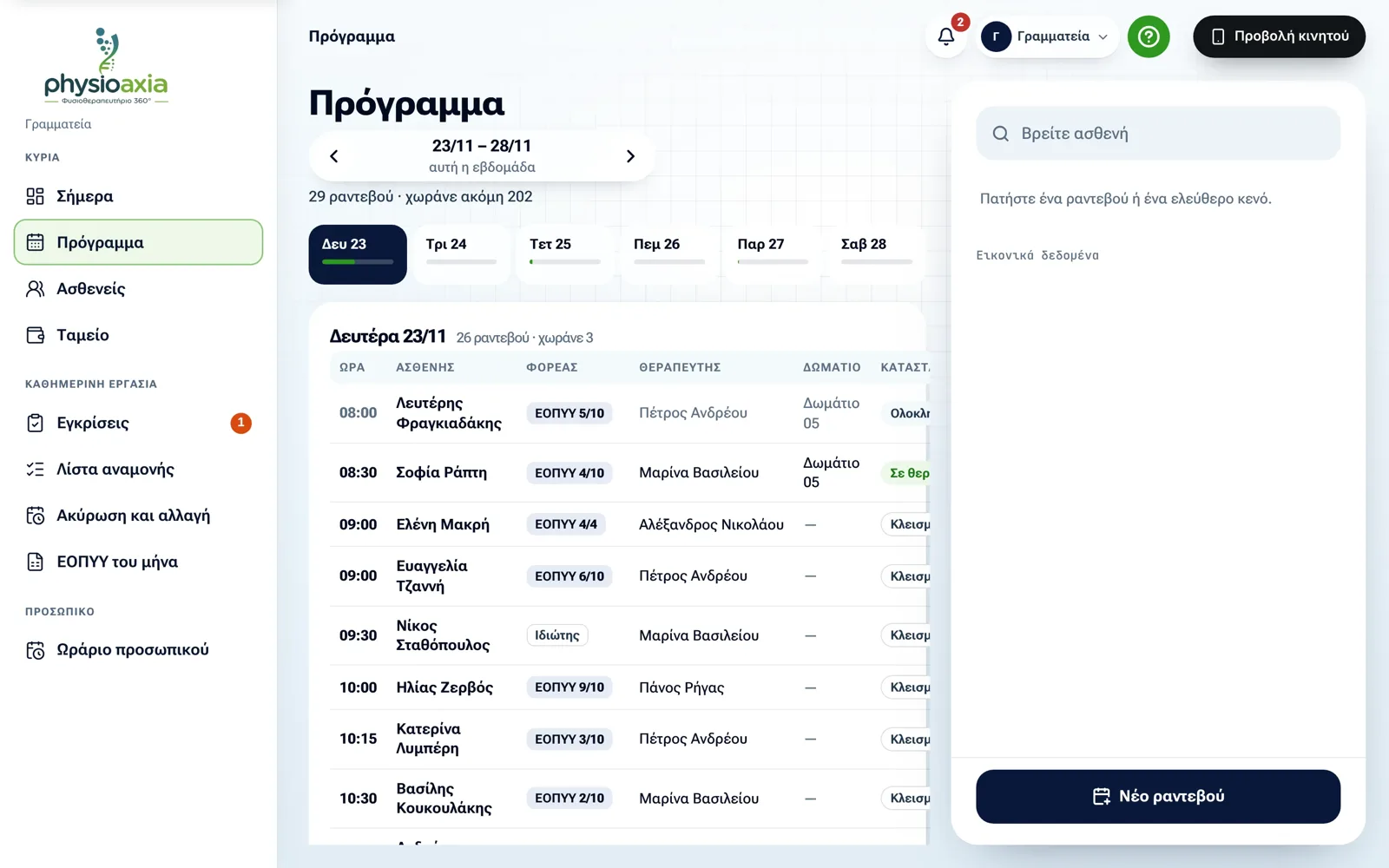
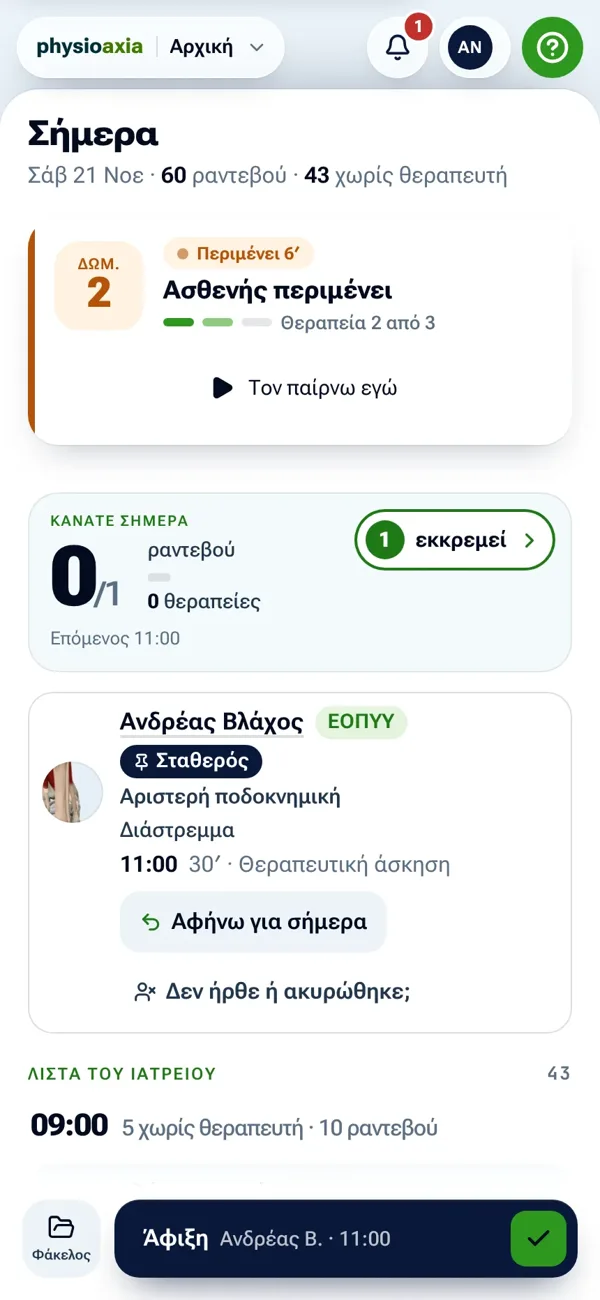
Physioaxia · Physiotherapy clinics
The front desk books appointments. Therapists see on their phones who is waiting and in which room. The owner sees the whole day at a glance.
- Appointments
- Patient flow
- Team roles
All screens use demo data.

Web app development
We design apps that bring your daily tasks, data and reports into one place.
Your team sees what is happening today and what is running late, on one screen.
Every task has an owner and a due date. Approvals happen in the app, so you never dig through old email to see who approved what.
Teams and clients sign in and see what their role allows. A client sees their own projects and nothing more.
Works with the systems you already use. When a project needs it, the app exchanges data with your accounting software, your ERP or another tool. We agree on this for each project.
The front desk books appointments. Therapists see on their phones who is waiting and in which room. The owner sees the whole day at a glance.
All screens use demo data.
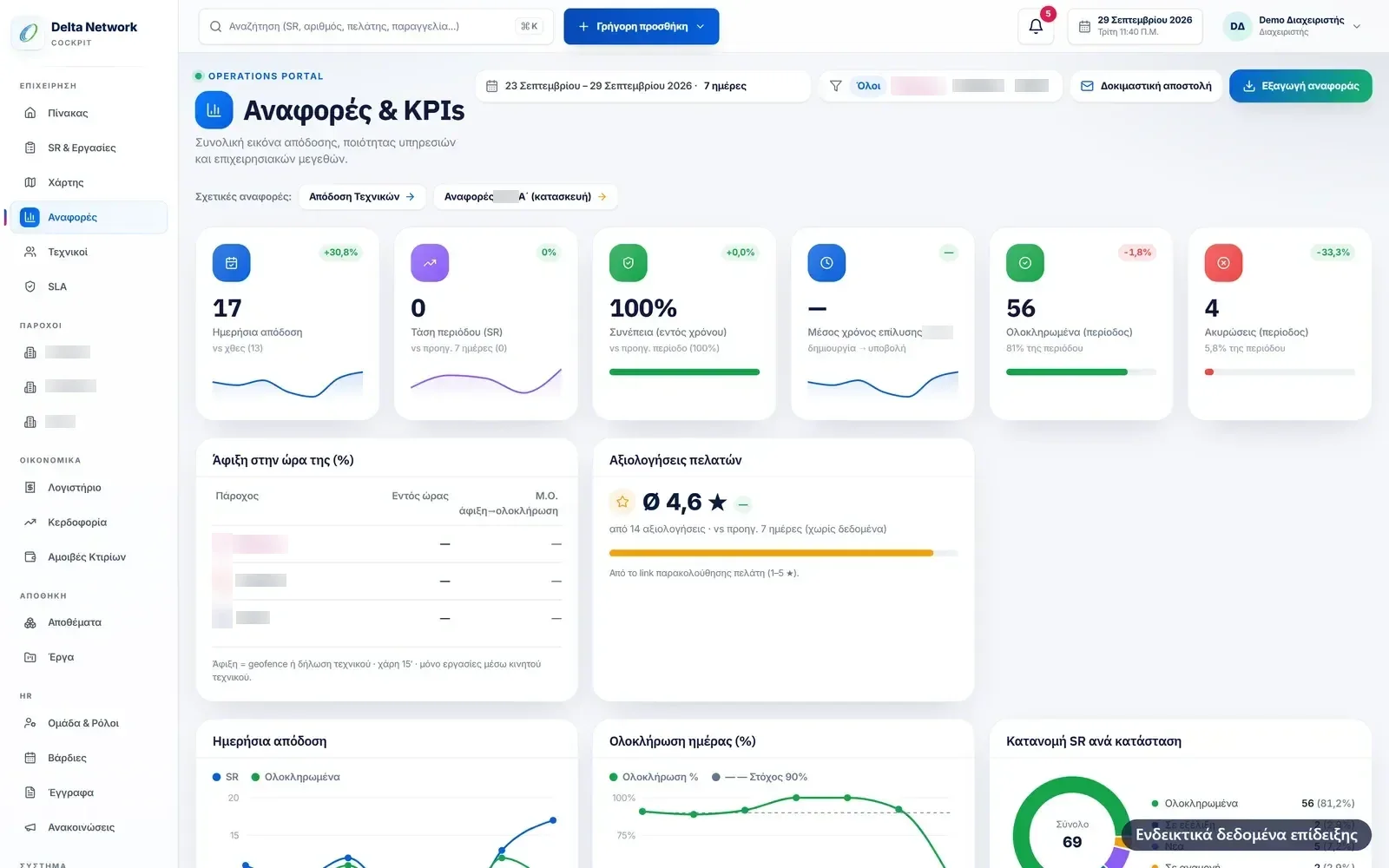
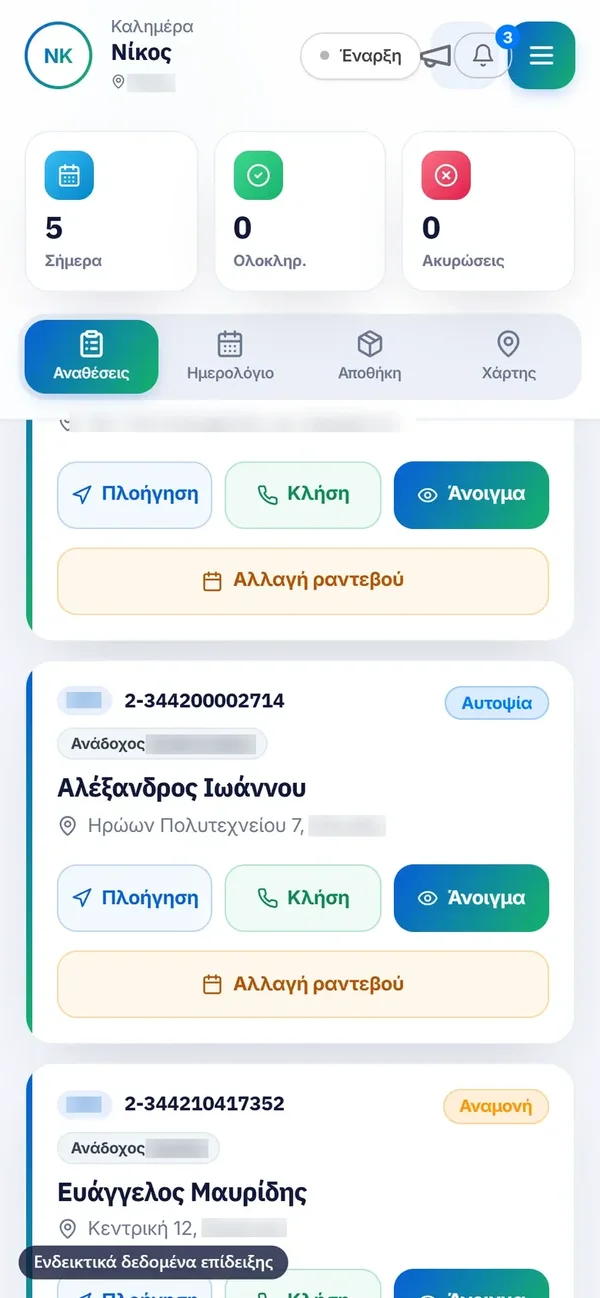
Technicians log reports, photos and materials from their phones. The office sees where every assignment stands and which deliverables are missing.
All screens use demo data.
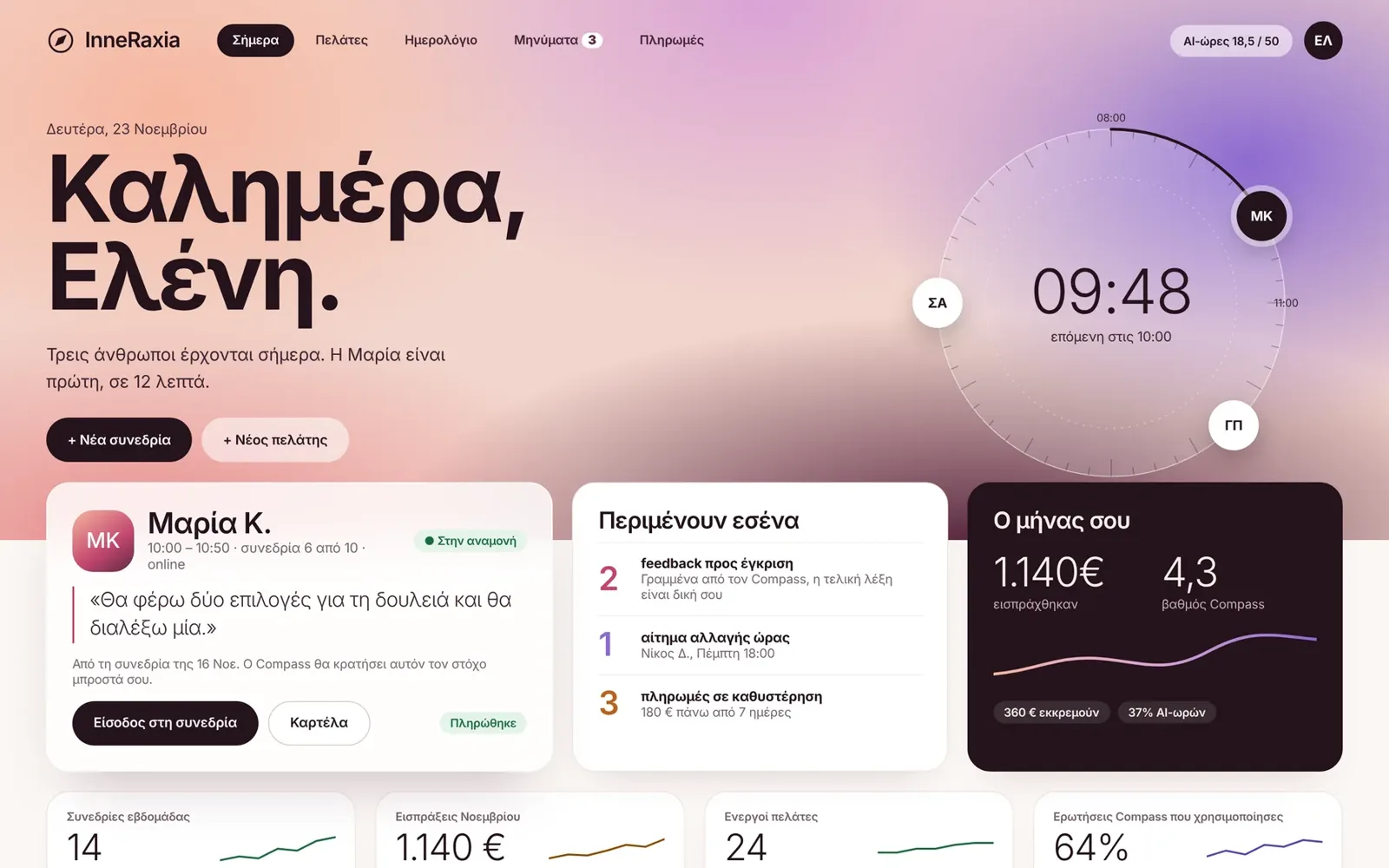
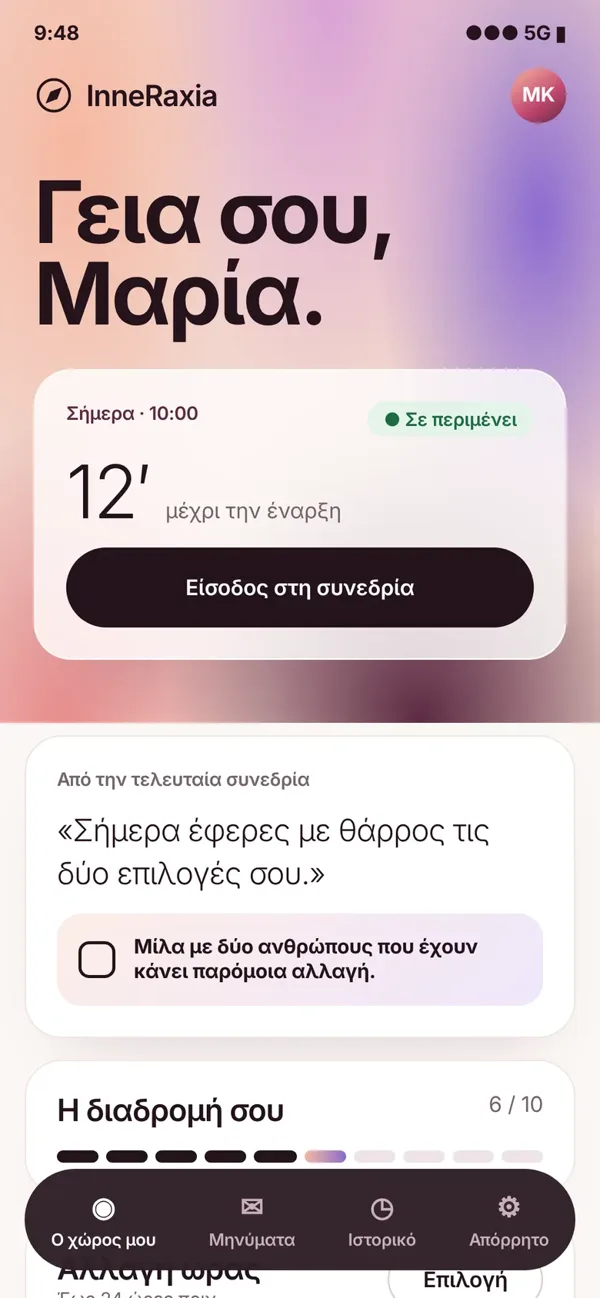
Coaches and psychologists keep appointments, clients and notes in one place. During a session, the AI assistant suggests questions only when asked.
All screens use demo data.
We talk to the people who will use the app and map how work moves from one person to the next today.
You review every screen on phone and desktop and approve it before we write any code.
We build the app in small parts. Your team tests each one with sample data before we move on.
We train your team and maintain the app. When the way you work changes, we adapt it.
Software that runs in the browser on a computer, tablet or phone, with nothing to install. Each team member signs in with their own account and sees the tasks, appointments and reports that concern them.
Dashboards, task and approval workflows, and portals for clients or partners. We built Physioaxia for physiotherapy clinics, DeltaNetwork.app for technical service companies and InneRaxia for coaches and psychologists.
We start from the way your team already works. We map the workflow, design the screens around it and you approve each step before we continue.
Yes, where it helps the work. The assistant suggests or fills in, and a person makes the decision. In InneRaxia, for example, it suggests up to three questions during a session, only when the coach asks.
Email info@panaxia.app and tell us how your team works today and what slows you down. We reply and set up a first call, with no commitment.
Tell us what you want to organize. We will reply with a first idea of how it could work as an app.
Start a project info@panaxia.app